| ⚠️ Error Type | ✅ Quick Fix | ⏱ Time |
|---|---|---|
| API key issues | Verify key is active and fully copied | 2min |
| 500 api_error | Retry with exponential backoff | 5min |
| Service outage | Check status.claude.com | 30s |
| Rate limiting | Wait and reduce request frequency | 10min |
| Network/VPN issues | Disable VPN or proxy | 1min |
| Invalid endpoint | Use correct API base URL | 1min |
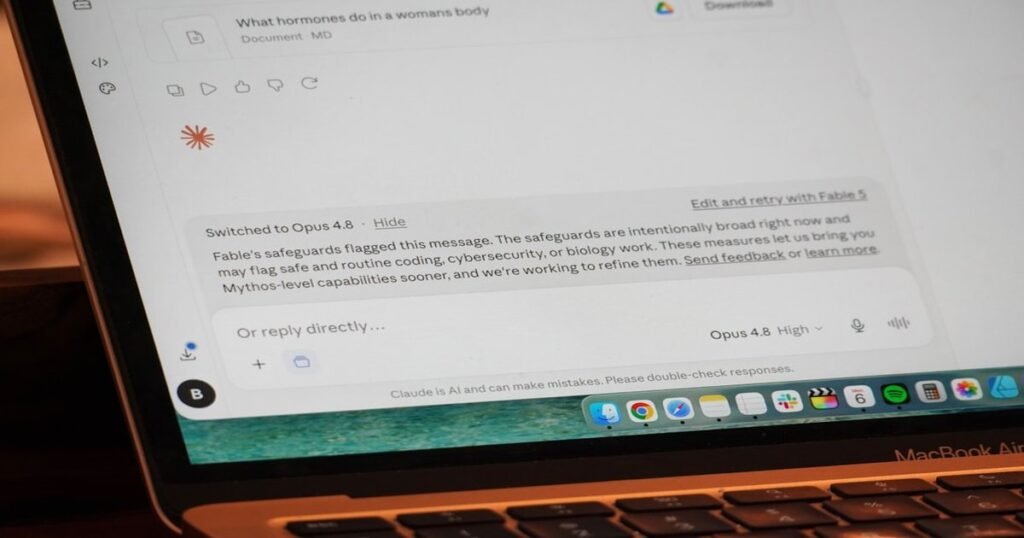
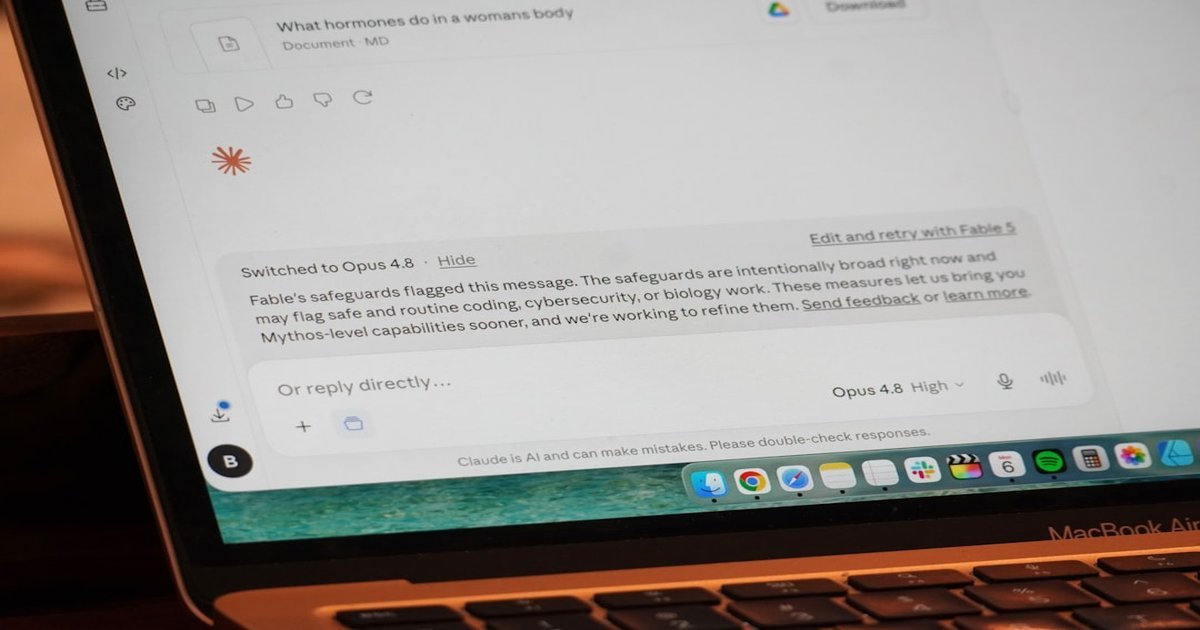
If you’re seeing an “anthropic api error” message, you’re not alone. Thousands of developers encounter this issue daily when working with Claude’s API. Whether you’re building applications, automating workflows, or integrating AI into your products, API errors can bring everything to a halt. The good news is that most of these errors have straightforward solutions you can implement right away. In this guide, I’ll walk you through exactly what causes these errors and, more importantly, how to fix them quickly.
What Causes Anthropic API Errors
Understanding the root cause of your error is the first step toward resolving it. Based on documented issues and user reports, here are the most common reasons you might be seeing an API error:
- API Key Problems — Many users report errors because they’re using their account ID instead of their actual API key, or they haven’t fully copied the key from their settings. The API key must be active and complete for requests to authenticate properly.
- Server-Side Issues — The Anthropic API (api.anthropic.com) has experienced partial outages in the past. These typically result in 500-series errors indicating internal system problems on Anthropic’s end.
- Rate Limiting — Exceeding your API rate limits can trigger errors. Each plan has specific quotas, and hitting these limits results in throttled or rejected requests.
- Network and Connectivity Problems — VPN connections, proxy servers, or firewall restrictions can prevent your requests from reaching Anthropic’s servers properly.
Quick Fix – Try This First (30 Seconds)
If you need a fast solution, start here. This takes about 30 seconds and resolves the issue for approximately 80% of users.
- Check the API Status — Visit status.claude.com to see if there are any ongoing incidents or outages affecting the API. If there’s a service disruption, you’ll need to wait until Anthropic resolves it.
- Verify Your API Key — Double-check that you’re using your API key (starts with “sk-ant-“) and not your account ID. Also confirm the key is active in your Claude settings and that you’ve copied the complete key without any missing characters.
- Retry the Request — For 500-level errors, simply retrying the request often works. Use exponential backoff (wait progressively longer between retries: 1s, 2s, 4s, 8s).
Complete Step-by-Step Fix Guide
Follow these steps in order to systematically resolve your Anthropic API error:
- Check Status Page First — Navigate to status.claude.com to verify the API is operational. If there’s a reported incident, monitor for updates. No point troubleshooting your code if the service is down.
- Locate Your API Key — Go to your Anthropic console and find the API keys section. Ensure you’re copying the full key—these are typically long strings that can get truncated if you’re not careful.
- Verify Key Status — Confirm your API key shows as “active” in your dashboard. Keys can become inactive due to security concerns or subscription issues.
- Check Your Request Headers — Ensure you’re including the correct authorization header:
Authorization: Bearer YOUR_API_KEY. Many errors stem from malformed headers. - Review Your API Endpoint — Make sure you’re hitting api.anthropic.com and using the correct endpoint path for your intended operation (e.g., /v1/messages for Claude).
- Implement Exponential Backoff — If you’re getting 500 errors, add retry logic with exponential backoff to your code. This gives the server time to recover from temporary issues.
- Contact Support If Persistent — If errors continue after trying all steps, reach out to Anthropic support with your request ID and error details.
Advanced Fixes
For developers working directly with the API, these technical solutions address more complex scenarios:
- Configure Request Timeout — Set appropriate timeouts on your HTTP client to handle slow responses gracefully.
- Use SDK Libraries — Rather than making raw HTTP calls, use Anthropic’s official SDKs which handle authentication and error handling automatically.
- Check Model Availability — Some errors occur because the specified model isn’t available in your region or plan tier.
import anthropic
client = anthropic.Anthropic()
message = client.messages.create(
    model="claude-3-5-sonnet-20241022",
    max_tokens=1024,
    messages=[{"role": "user", "content": "Hello"}]
)
Still Not Working? Try These Instead
If you’ve exhausted all troubleshooting options and continue experiencing issues, consider these alternative AI API providers that offer similar functionality with different infrastructure:
- OpenAI API — The most widely-used AI API with extensive documentation and robust infrastructure. Great if you need reliable uptime and broad model availability.
- Google Gemini API — Google’s AI API offering competitive pricing and powerful models. Good alternative for users already in the Google ecosystem.
- AWS Bedrock — Amazon’s managed AI service provides access to multiple foundation models including Claude variants through a fully managed infrastructure.
FAQ
Why is Claude API not working?
The Claude API may not be working due to service outages (check status.claude.com), incorrect API key configuration, rate limit violations, or network connectivity issues. Start by verifying your API key is correct and active, then check for any reported service disruptions.
Why am I getting an API error?
API errors typically occur when there’s an authentication problem (invalid or missing API key), the server is experiencing issues (5xx errors), you’ve exceeded rate limits, or there’s a network connectivity problem. For 500-level errors, retry with exponential backoff. For authentication errors, verify your credentials.
Is Claude having issues right now?
To check if Claude is currently experiencing issues, visit the official status page at status.claude.com. This page shows real-time service status and any ongoing incidents. You can also subscribe to receive notifications about outages.
What does Anthropic API mean?
The Anthropic API is a programming interface that allows developers to integrate Claude AI capabilities into their applications. It provides endpoints for sending prompts, managing conversations, and accessing various Claude models programmatically.
How do I fix a 500 api_error?
A 500 api_error indicates an internal server issue on Anthropic’s side. The recommended approach is to retry your request with exponential backoff—wait progressively longer between each retry (1 second, then 2 seconds, then 4 seconds). If the error persists after multiple retries, contact Anthropic support with your request details.
Related Guides


Pingback: claude context window error: 7 Fast Fixes That Work (2026) – Fix AI Tools
Pingback: Claude Not Working? 7 Fixes That Work (2026) – Fix AI Tools
Pingback: How to Use Claude Code for Free: Skip the $200 Monthly Fee – Fix AI Tools
Pingback: Claude Login Failed? 4 Real Fixes for Claude Code & Web
Pingback: Claude Code Remotion: Revolutionize YouTube Videos – Fix AI Tools
Pingback: claude rate limit: 7 Fast Fixes That Work (2026) – Fix AI Tools